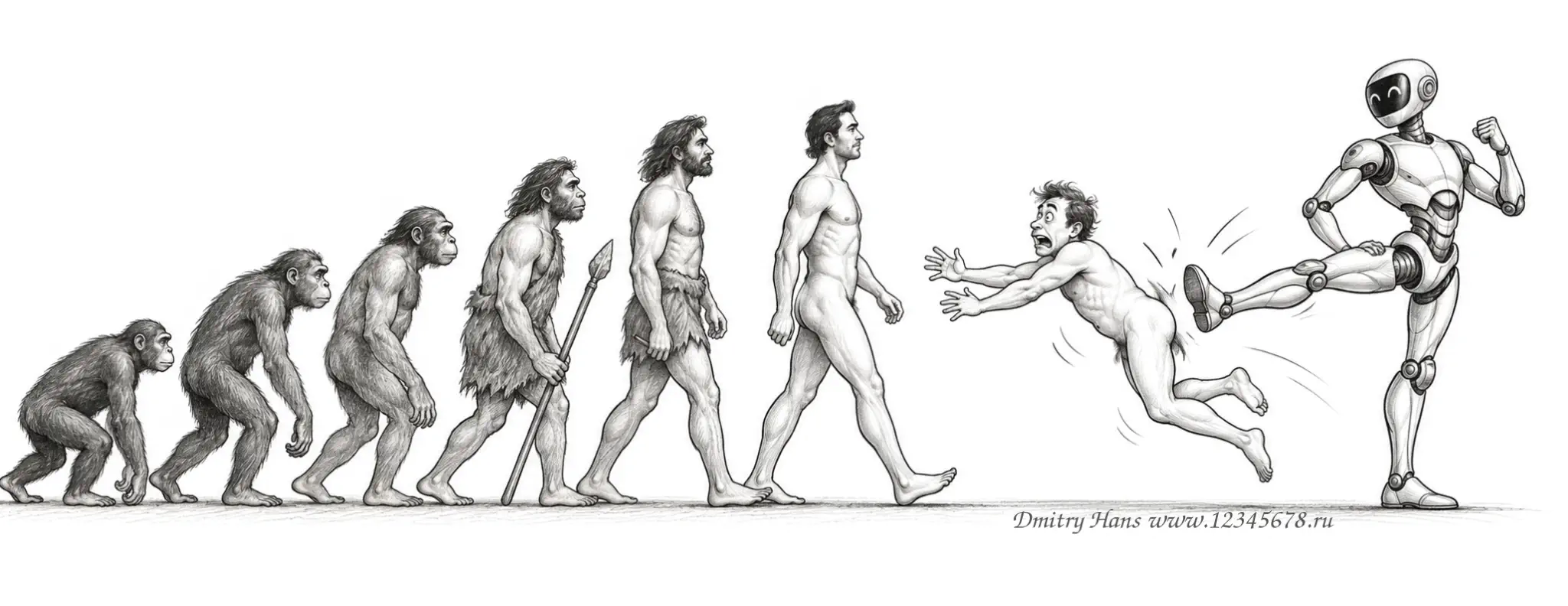
Simple articles about modern websites, artificial intelligence and the decisions that make a project useful for business.
Web design in the era of artificial intelligence
AI can produce ideas, text, prototypes and code very quickly. A good website still starts with the business: who needs it, what action the visitor should take and why the company deserves trust.
My work combines human judgement, analytics and AI tools. The model suggests options; I check facts, remove generic solutions and turn the chosen direction into a working interface.
Will AI replace people?
AI will change the job more than it will remove it. It is strong at repetitive tasks, but it does not carry responsibility for a business decision or understand every hidden constraint.
A person still sets quality criteria, checks the result, protects the project from invented data and makes the final decision about structure, security and communication.
What to expect from a webmaster
I expect a webmaster to understand the whole user journey, not only the visual screen: domains, hosting, forms, analytics, SEO, backups, mobile behaviour and clear communication.
The value is in asking the right questions, checking AI output against documentation and explaining technical choices in ordinary language.
Modern web design trends
The main trend is clarity. Visitors should understand who you are, what you offer and what to do next within a few seconds.
Readable typography, contrast, calm motion, honest contact details, real images and a fast mobile layout matter more than decorative complexity. Individual style is useful when it supports the message.
Experience as a bridge
A client speaks in business goals: “I need enquiries” or “I want to look trustworthy”. AI works with technical instructions. I translate one language into the other, ask missing questions and keep the project within scope.
Static HTML: advantages and limits
Static HTML serves ready-made files. It is fast, light and has a small attack surface, which makes it useful for portfolios, landing pages and small service sites.
The drawback is editing: without an admin panel, regular content updates become manual and inconvenient.
WordPress: advantages and limits
WordPress provides an admin panel, themes, plugins and a familiar editing workflow. It is a good fit for blogs, catalogues, company sites and projects that will grow.
The trade-off is maintenance: updates, plugins, database, caching and security require attention.
Why WordPress is so popular
WordPress combines a low entry barrier with a large ecosystem and a gradual growth path. W3Techs reports about 40.2% of all websites and 58.7% of the CMS market as of 25 September 2026.
That means many available specialists, plugins and tutorials. It is a strong argument for availability, not a reason to use WordPress when a tiny static page is clearly better.
Elementor and Elementor Pro
Elementor lets an owner edit text, images, buttons and blocks visually, much like editing a document. Pro adds Theme Builder, dynamic fields, forms, popups and reusable templates.
I keep the structure clean so the owner can update content without breaking the grid, spacing or mobile version.
Moving sites to WordPress Elementor
Many AI services offer a static HTML site. It may look impressive, but without special knowledge the owner cannot change text, images, prices or services. The site soon becomes outdated.
I recommend a content management system. With WordPress and Elementor, a client can edit content almost like a Microsoft Word document. There is no magic one-click conversion from every old platform, so I inspect the structure, content, forms, languages, links and search value.
During the last year I have invested a lot of time in training my AI agents. With my guidance and Darwin, they now assist with this difficult and valuable migration work. I check every result and do not allow invented data.
Editing a site yourself
If you have access to modern AI tools or basic knowledge of HTML, CSS, PHP and JS protocols, you can edit any site yourself. For everyone else, I recommend a modern content management system. WordPress is the world leader and I can confidently recommend it, although it has not paid me for this advertising (
Online stores and catalogues
I can move large numbers of products from spreadsheets, an old CMS or another store: names, SKUs, prices, stock, attributes, categories, images and variants.
AI helps remove duplicates, standardise names, group products, prepare descriptions and find missing fields. I check the result so automation does not invent product properties or prices.
Prices, brands, tags, SEO titles and descriptions can then be changed in bulk instead of opening hundreds of cards one by one.
Loading speed and hosting load
Images, scripts, fonts, plugins and database requests all matter. The HTTP Archive Web Almanac reports a median home page weight of about 2.56 MB on mobile and 2.86 MB on desktop.
Speed affects search visibility and visitors’ patience. A slow page creates doubt, irritation and abandoned tabs. I start with compressed images, fewer scripts, sensible fonts and caching.
Responsive design
Responsive design is not simply shrinking a desktop layout. On a phone the grid, order, typography, spacing and menu behaviour change. I test reading, buttons, forms and prices on real small screens.
Promotion of static and WordPress sites
Search engines care about useful structure, speed, mobile usability, headings, links and technical access, not the name of the CMS. Static sites need these settings maintained in files; WordPress makes templates and plugins convenient, but quality control remains essential.
SEO and GEO promotion
SEO helps search engines understand a page. GEO helps a site appear in generative answers through clear facts, authorship, structure and sources.
I use useful human text first, then Schema.org, H1–H3 headings, metadata, internal links and Core Web Vitals. web.dev gives useful targets: LCP up to 2.5s, INP up to 200ms and CLS up to 0.1.
Choosing hosting
I look beyond the price: location, backups, SSL, PHP, email, support and a clear control panel all matter.
For European sites — Hostinger
I usually recommend Hostinger for European projects because its panel and infrastructure are convenient for landing pages, WordPress and small shops.
For Russian-language sites — Hostland
I recommend Hostland when a low price, Russian-language support and free SSL for each site are important.
How to start working together
Send me your idea, goals, examples, content and deadline. We choose the management system, prepare the specification together and combine human experience with AI power.
I want the result to be clear, editable, fast and ready for promotion.